Start Detection
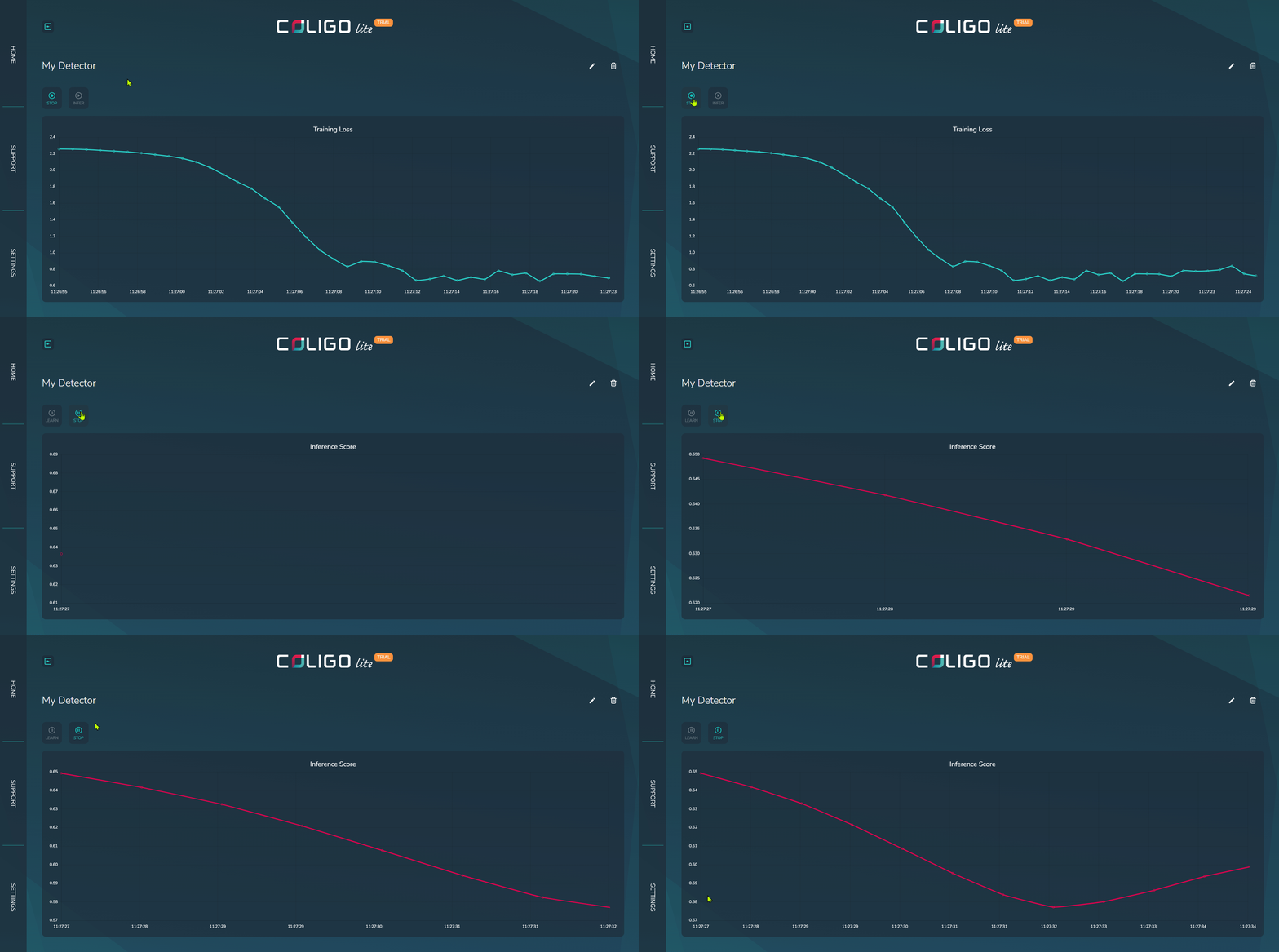
To detect anomalies, the detector must be in inference mode. In this mode, no more training is performed; instead, the detector scores the abnormality of the incoming data.
How-to
Step-by-step
Choose a detector
The overview page should list all detectors that have been created. Click on the tile of the detector whose state you want to change.
Start Inference
Every time you want to start detecting, click on the INFER button. This will change the detector to inference mode. Incoming data will be scored, and the resulting inference score is shown in the line chart. The score is a dimensionless metric for assessing the normality of the current data. A high score indicates abnormal behavior.
This score is automatically monitored for drifts, meaning large changes are registered automatically, and an anomaly notification is published on the MQTT topic. See how to change it here.
Results
The detector will publish the results as messages with a JSON-encoded payload. The topic is autogenerated, but can be adjusted in the settings.