Delete Detectors
How-to
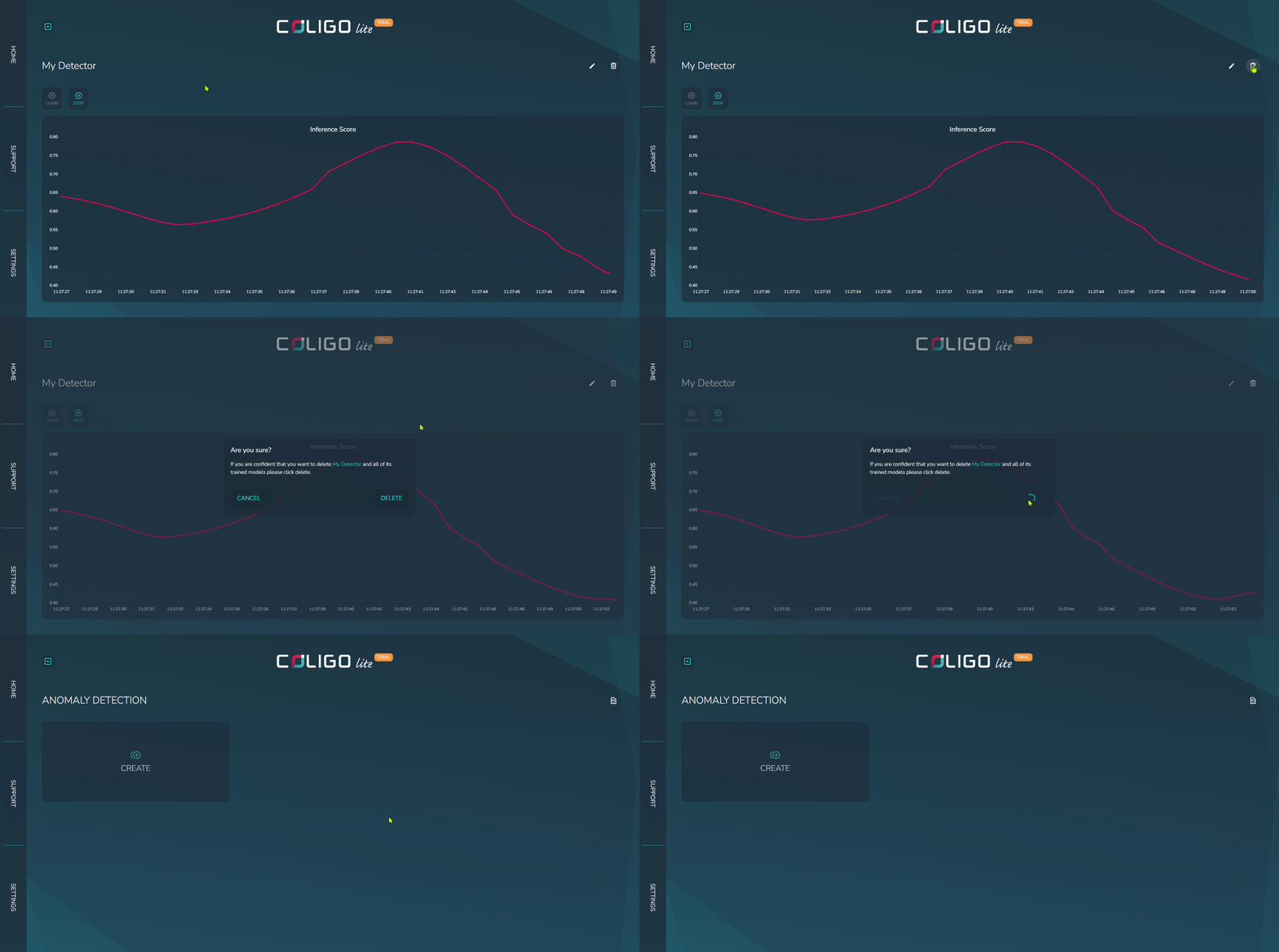
Step-by-step
Choose a detector
The overview page should list all detectors that have been created. Click on the tile of the detector whose state you want to change.
Deletion
Click on the trash can icon in the top-right corner of the screen.
danger
There is currently no persistence for detectors. Once deleted, a detector cannot be reused.