User Authentication
COLIGO Lite is designed as a single-user application and is always secured by a 5-digit PIN code. This ensures that only authorized users can access the application and its features.
How Authentication Works
-
PIN Protection:
Access to COLIGO Lite is protected by a 5-digit PIN.
The default PIN on first installation is 12345. -
Single User:
Only one user can be logged in at a time. There are no multi-user or role-based permissions. -
Automatic Logout:
For security, the application will automatically log out if you close the browser tab, switch away from it or have been logged in for more than 12 hours.
Step-by-step
Logging In
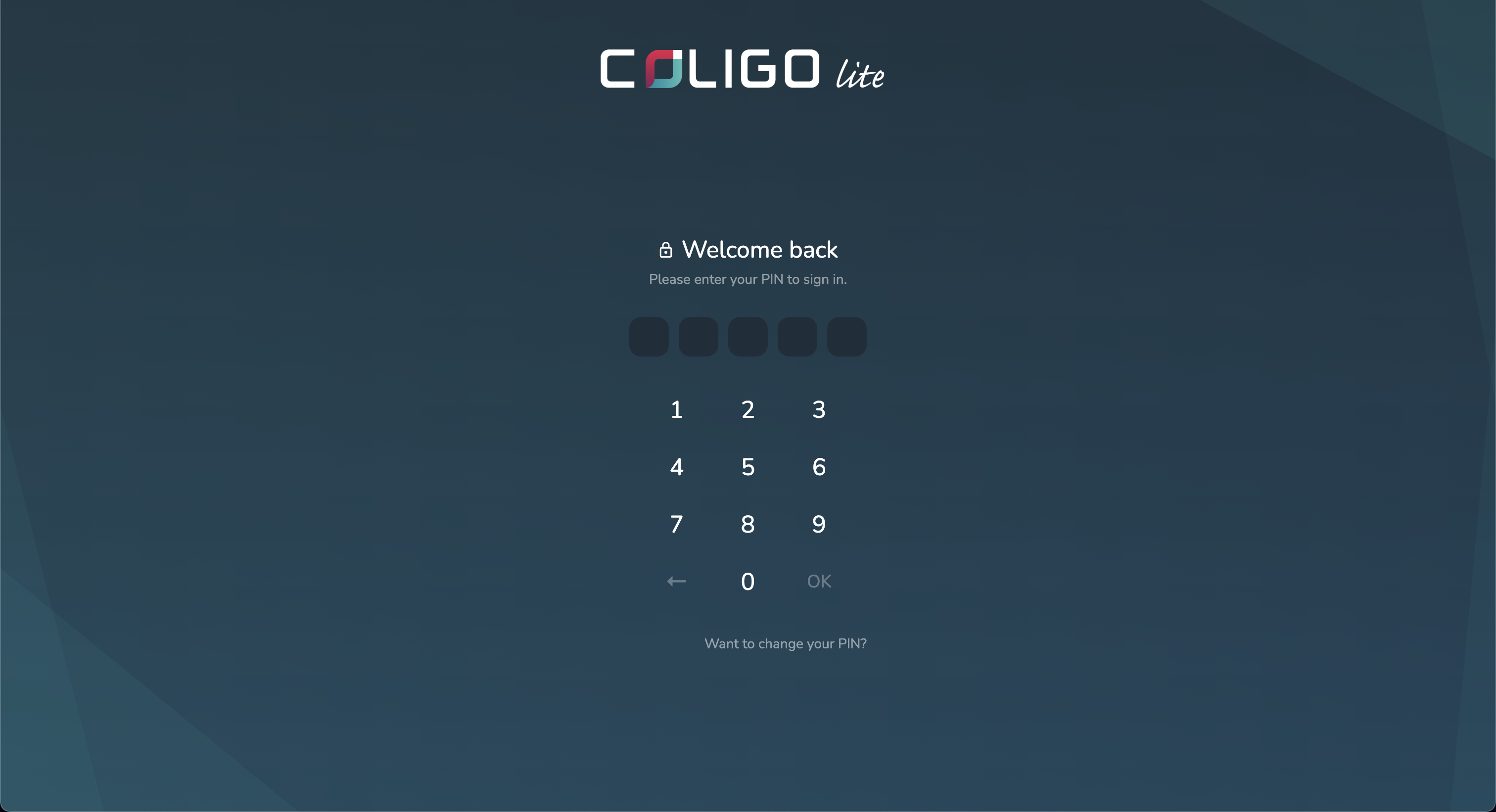
- When you open COLIGO Lite, you will be prompted to enter your 5-digit PIN.
- Enter the default PIN (12345) on your first login, or your custom PIN if you have changed it.
Changing Your PIN
You can change your PIN directly from the login screen—no need to be logged in.
- On the login screen, select the Change PIN option.
- Enter your current 5-digit PIN to confirm your identity.
- Enter your new 5-digit PIN and confirm it.
- After successfully changing your PIN, you will be returned to the login screen and can log in with your new PIN.
tip
If you forget your PIN, contact support for assistance.