Get a License
By default, COLIGO Lite launches as a trial that you can use for 30 days. After the trial expires, you will no longer be able to use the UI; however, existing Machine Learning models will continue running in the background. Upgrading to a paid version will allow you to interact with your models again.
Step-by-step
Purchase a License
Navigate to the SETTINGS screen using the navigation bar on the left side.
Here, you can see the current license, its expiration time, and whether it is a trial.
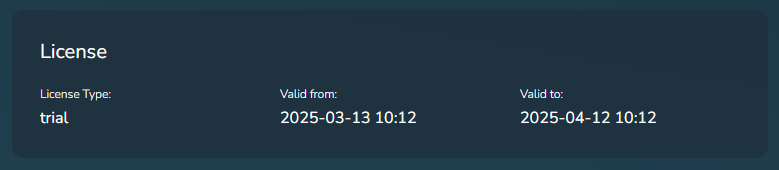
If you want to switch from a time-limited trial to an unlocked version, contact us, mentioning the unique App ID, and we will provide you with a license valid for this deployment of COLIGO Lite.
Removing the container and recreating a new one will not remove the license. However, removing the Docker volume used by the container will delete your license! Contact us if this happens unintentionally.
Upload a License
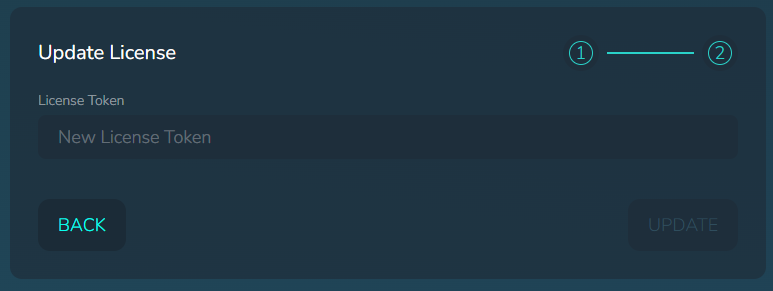
Once you have received a license token from us, paste it into the input field that appears after clicking the NEXT button on the SETTINGS screen. With the token entered, click UPDATE.