Cockpit & Installation
Registering in the COLIGO Cockpit
Visit the COLIGO Cockpit at: https://cockpit.coligo.ai
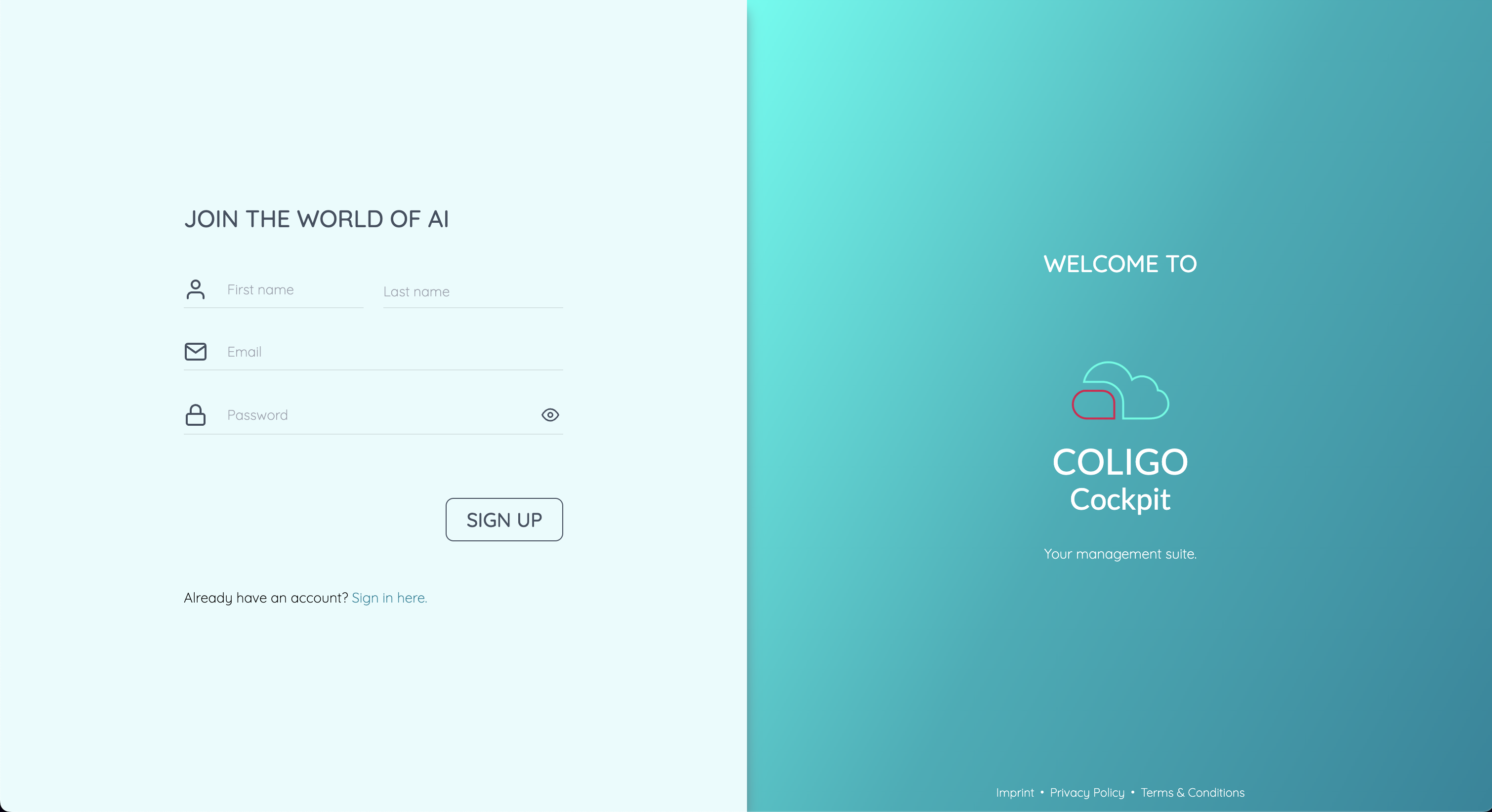
Create a user account or log in with your credentials.
Adding the Device
After logging in to the Cockpit, navigate to:
Devices → Add Device
- Assign a name to the device
- Generate the activation code:
- Enter the activation code
- Click ADD
Installing the Software
Once the device has been successfully added:
- Click Initialize
- Select the latest available software version
- Confirm your selection with INSTALL
warning
Do not power off or disconnect the device from the network during installation.